

10 Website Conversion Mistakes That Could Be Costing You Customers
Getting people to visit your website is only half the battle. If those visitors aren’t contacting you, booking a service, requesting a quote, or making a purchase, your website may have a conversion problem.
Many businesses assume they need more traffic when the real issue is what happens after visitors arrive. Poor messaging, confusing navigation, weak calls-to-action, slow loading times, and complicated forms can all prevent potential customers from taking the next step.
The good news? Most website conversion mistakes can be identified and fixed.
Here are 10 common mistakes that could be costing your business customers—and what you can do about them.
What Is a Website Conversion?
A website conversion happens when a visitor takes an action that supports your business goals. Depending on your business, that could mean completing a purchase, submitting a contact form, requesting a quote, booking an appointment, calling your business, or signing up for your email list.
It’s important to define what a successful conversion means for your website before you start optimizing it. Google Analytics allows businesses to measure important user actions as key events and use that information to understand user behavior and marketing performance.
In other words, don’t simply ask, “How much traffic does my website get?”
Ask, “What percentage of that traffic takes the action that matters to my business?”
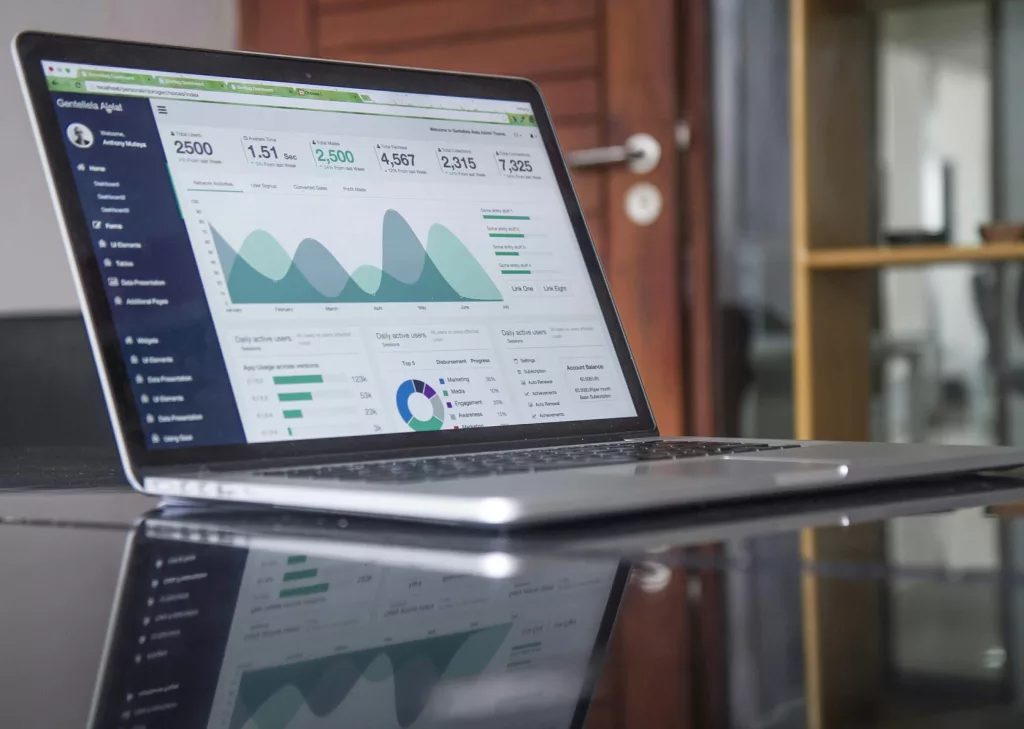
10 Common Website Conversion Mistakes
1. Your Website Doesn’t Clearly Explain What You Offer
One of the biggest website conversion mistakes is making visitors work too hard to understand your business.
When someone lands on your homepage, they should quickly understand:
- What you offer
- Who you help
- Why they should choose you
- What they should do next
If your headline is vague or focuses more on your company than your customer’s problem, visitors may leave before exploring further.
Your homepage should communicate a clear value proposition above the fold. Instead of simply saying “Welcome to Our Website,” tell visitors what you do and how it benefits them.
2. You Have Too Many Calls-to-Action
More options don’t necessarily create more conversions.
If a visitor sees “Contact Us,” “Learn More,” “Download Our Guide,” “View Services,” “Book Now,” and several other buttons at once, they may not know which action matters most.
Every important page should have a primary conversion goal.
Choose the action you most want visitors to take and make that CTA prominent. Secondary actions can still exist, but they shouldn’t compete with the main objective.
3. Your Call-to-Action Is Weak or Generic
“Submit” and “Click Here” don’t give visitors much motivation.
A strong call-to-action tells people what happens next and, ideally, communicates the benefit.
For example:
- Get Your Free Quote
- Book a Consultation
- Request a Custom Proposal
- Start Your Project
- Schedule a Discovery Call
Your CTA is more than a button. It’s the bridge between interest and action.
4. Your Website Is Difficult to Navigate
Good website UX should make the next step feel obvious.
Visitors shouldn’t have to hunt through multiple pages to find your services, pricing information, contact details, or booking form.
Common navigation problems include:
- Too many menu items
- Confusing page names
- Important information buried several clicks deep
- Inconsistent navigation
- No clear path toward conversion
Simplify your navigation and organize information according to how your customers think—not how your business is internally structured.

5. Your Website Loads Too Slowly
A beautiful website isn’t useful if visitors leave before it finishes loading.
Large images, unnecessary scripts, excessive plugins, poor hosting, and unoptimized media can all contribute to poor website performance.
Use Google’s PageSpeed Insights to identify performance issues and prioritize improvements.
This is especially important when optimizing your website conversion rate because every additional barrier between a visitor and your content can make the user experience worse.
For more practical performance advice, see our guide on website load time and why website speed matters for SEO, UX, and conversions.
6. Your Website Isn’t Mobile-Friendly
Your website needs to work just as well on a smartphone as it does on a desktop.
A mobile visitor shouldn’t have to pinch and zoom, struggle to tap buttons, scroll sideways, or complete an unnecessarily complicated form.
Check your website on actual mobile devices and test the entire conversion journey—from landing on the page to submitting a form or completing a purchase.
Accessibility matters here too. The W3C’s Web Content Accessibility Guidelines provide internationally recognized recommendations for making web content more accessible and usable across devices.
7. Your Website Doesn’t Build Enough Trust
Visitors won’t convert if they aren’t confident in your business.
Trust signals can include:
- Customer testimonials
- Reviews
- Case studies
- Client logos
- Certifications
- Guarantees
- Portfolio examples
- Clear contact information
- Professional branding
Don’t simply tell visitors that you’re experienced or reliable. Show them evidence.
For example, instead of writing “We’re experts in web design,” show completed projects, customer results, testimonials, or specific experience that supports the claim.
8. Your Forms Are Too Long or Complicated
Every unnecessary form field creates another opportunity for someone to abandon the process.
Do you really need a visitor’s company size, full address, industry, phone number, and several additional questions before you can respond to a simple enquiry?
Probably not.
Start with the information you genuinely need. You can collect additional details later in the sales process.
Make your forms easy to understand, use clear labels, and explain what visitors can expect after submitting them.
9. Your Website Talks Too Much About You
One of the most overlooked website design mistakes is making your copy company-focused instead of customer-focused.
For example:
“We are a leading web design company with years of experience.”
That’s information about you.
A customer-focused version might be:
“Get a professionally designed website built to turn more visitors into enquiries.”
The second statement immediately connects the service to a customer outcome.
Review your website copy and ask:
“What’s in it for the customer?”
Focus your messaging on problems, benefits, outcomes, and solutions—not just your company’s history.
10. You’re Not Tracking or Testing Your Conversions
You can’t effectively improve what you don’t measure.
Google Analytics can track interactions such as clicks, form submissions, purchases, and other meaningful actions. Important actions can be designated as key events so you can evaluate how users move through your website and which channels contribute to those actions.
For example, you might track:
- Contact form submissions
- Quote requests
- Phone clicks
- Booking completions
- Purchases
- Newsletter signups
- Important CTA clicks
Once you have reliable data, you can identify where visitors are dropping off and make informed improvements.
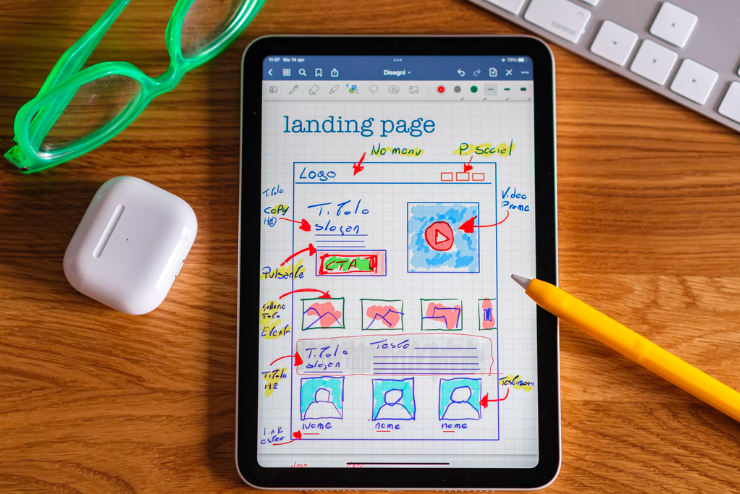
How to Fix Website Conversion Mistakes
You don’t have to redesign your entire website overnight. Start with a simple conversion audit.
Step 1: Identify Your Primary Conversion
What is the most valuable action a visitor can take?
Step 2: Review Your Homepage
Can a first-time visitor understand what you offer within a few seconds?
Step 3: Check Your CTAs
Is the next step obvious? Does your CTA communicate value?
Step 4: Test Your Mobile Experience
Can visitors easily navigate and convert from their phones?
Step 5: Check Your Website Speed
Run important pages through PageSpeed Insights and address the most significant performance issues.
Step 6: Remove Unnecessary Friction
Simplify forms, navigation, checkout processes, and other conversion steps.
Step 7: Add Trust Signals
Use reviews, testimonials, case studies, credentials, and real project examples.
Step 8: Measure the Results
Track your key actions and compare performance before and after making changes.
Is Your Website Getting Traffic but Not Conversions?
If your website receives visitors but generates very few enquiries or sales, buying more traffic may not be the first solution.
The problem could be your messaging, user experience, page structure, calls-to-action, website speed, mobile experience, or lack of trust.
This is where conversion-focused web design becomes valuable.
A successful business website shouldn’t simply look professional. It should guide visitors from “I’m interested” to “I’m ready to take the next step.”
If you’re already working on SEO, you may also want to read our guide on why your website isn’t ranking on Google. Getting found in search is important—but attracting visitors is only part of the equation.
And if you’re considering a new website, our guide to custom website design explains how a website built around your business goals can create a more strategic user experience.
Final Thoughts: Don’t Let Website Conversion Mistakes Cost You Customers
Your website may already have everything it needs to generate more business—but small conversion barriers could be getting in the way.
Start by reviewing your messaging, CTAs, navigation, speed, mobile experience, forms, trust signals, and analytics.
You don’t necessarily need more visitors.
You may simply need to convert more of the visitors you already have.
If your website is attracting traffic but not generating the results you expect, it may be time for a strategic website audit. Identifying and fixing the right conversion problems can turn your website from an online brochure into a much more effective business tool.
Frequently Asked Questions About Website Conversion Mistakes
What are the most common website conversion mistakes?
The most common mistakes include unclear messaging, weak calls-to-action, confusing navigation, slow page speed, poor mobile experiences, complicated forms, insufficient trust signals, and failing to track important user actions.
Why is my website getting traffic but no conversions?
Traffic doesn’t guarantee conversions. Visitors may leave because your website doesn’t clearly communicate your offer, lacks trust, has a poor user experience, loads slowly, or doesn’t make the next step obvious.
How can I improve my website conversion rate?
Start by improving your value proposition, calls-to-action, mobile experience, website speed, forms, trust signals, and page structure. Then use analytics to measure meaningful actions and identify opportunities for further improvement.
What is a good website conversion rate?
There isn’t one universal conversion rate that applies to every website. Performance varies depending on the industry, traffic source, offer, audience, device, and type of conversion. It’s often more useful to establish your baseline and work toward continuous improvement.
How often should I optimize my website for conversions?
Conversion optimization should be an ongoing process rather than a one-time task. Review your analytics regularly, identify friction points, test improvements, and continue refining the website based on user behavior.
Authoritative Resources
For conversion tracking, use Google Analytics documentation. For website performance testing, use Google PageSpeed Insights. For accessibility guidance, refer to W3C Web Content Accessibility Guidelines.